

Key Takeaways
Entry, exits, and the server room cover most office risks starts there.
Camera type matters more than camera count: bullets outdoors, domes indoors, 180 rotating cameras in open areas.
Parking lots and back doors need wide-angle, low-light cameras; they are where CCTV research shows the strongest results.
Aim cameras at faces and entry paths, never at walls, windows, or direct sunlight.
Pair cameras with an NVR and a documented retention policy so footage is admissible and easy to retrieve.
Where should CCTV cameras be placed in an office building?
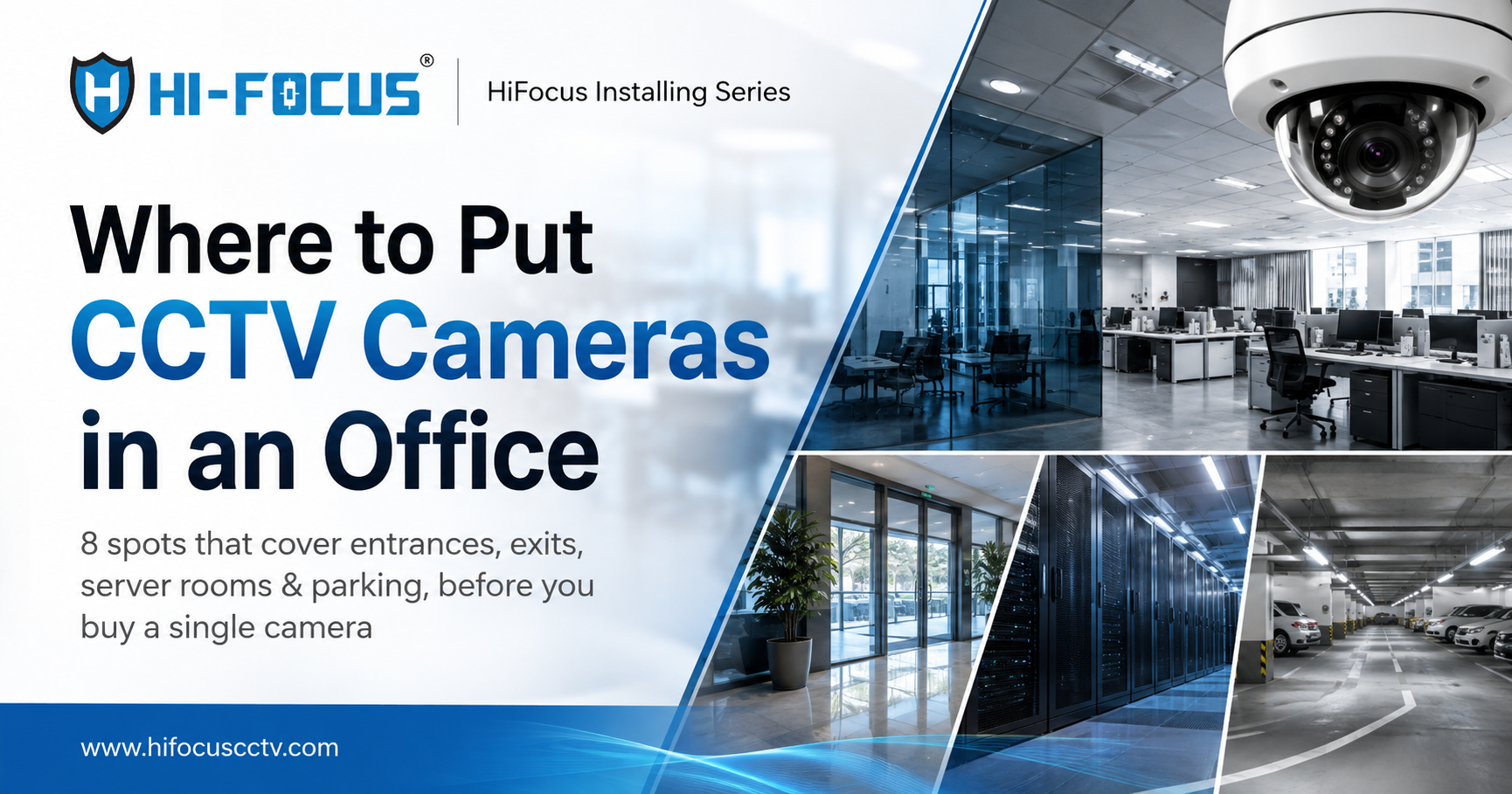
In an office building, CCTV cameras should be placed at the main entrance and reception, server room, back exits and loading docks, parking lot and basement, corridors and lift lobbies, finance and records rooms, and break areas. Perimeter and entry gates come first for campus-style offices. These eight locations cover asset protection, access monitoring, and employee safety the three jobs a corporate CCTV system exists to do.
Why placement matters more than camera count
Most office security failures are not about the front door. India's 2025 IDfy workforce report found companies lost over ₹150 crore to employee-led fraud in a single year, and KPMG's 2025 Global Profiles of the Fraudster notes that a typical fraudster is a trusted insider who has served the organisation for years.
1. Main entrance and reception
The main entrance is the single highest-value camera point in any office because every employee, visitor, and delivery passes through it. Install a wide-angle camera above the entrance facing the reception desk so faces are captured head-on, and add a second unit at the door to catch anyone entering or leaving without signing in.
2. Server room and IT infrastructure
The server room holds data and equipment worth far more than any single asset in the building, so it needs its own camera and ideally its own restricted access. Position it to cover the door and the rack aisle, and keep it inside a dedicated room with logging, since the commercial CCTV solutions for businesses you choose should be able to audit who goes in and out.
3. Back exits, fire exits and loading docks
Back doors and goods loading areas are the routes most used for internal theft because they are least watched. Cover every exit with a camera that captures the door and the walkway leading to it, and pair it with a simple record of when the door opens; most internal fraud cases in India involve no technology at all, only unchecked routes (KPMG India).
4. Parking lot and basement
Do not skip the parking area. A 40-year systematic review of CCTV research found CCTV produces its largest and most consistent crime reductions in car parks. Use wide-angle or Dark Hunter low-light cameras at the entry ramp, lift lobby, and along each row, angled to capture vehicle numbers and the faces of people walking to their cars.
5. Corridors, stairwells and lift lobbies
Place cameras at corridor junctions and lift lobbies to track movement between floors without covering every metre of hallway. One camera per junction covers multiple directions, so a 10-floor tower typically needs only a handful to map who moved where, when.
6. Cash, finance and records rooms
Cameras in finance, accounts, and HR record areas deter document and cash manipulation, which together with asset misappropriation account for roughly 30% of fraud cases in India (KPMG India). Point the lens at the door and the desk, and log access separately.
7. Break rooms, cafeterias and pantries
Break rooms and pantries are where small office theft and most workplace disputes begin. A single compact dome camera covers the seating area and the pantry entrance, and its quiet presence is often enough to stop the problem before it needs a policy change.
8. Perimeter and campus boundary
For campus-style offices, cover the boundary and entry gates before the building itself. Bullet cameras rated IP66/IP67 at the compound wall, entry gates, and along vehicle routes let security spot someone climbing a wall or walking a vehicle through before they reach any door.
How many CCTV cameras does an office need?
As a working formula, count one camera for each of these: the main entrance, every secondary exit, the server room, each parking entry, each corridor junction, and the finance room. For a typical 2,000 sq ft office, that is usually 6–8 cameras; a corporate campus with parking, multiple floors, and a goods bay will run 15–25. It is better to cover one point properly than to spread cameras so thin that no face is identifiable.
What camera type works where?
Location | Best camera type | Why it works |
Main entrance / reception | Dome (2–5 MP) | Wide indoor coverage, discreet, hard to read the angle from |
Server room | Dome or vandal dome | Narrow room, clean image, restricted-access audit |
Back exits / fire exits | Bullet | Long throw down the walkway, visible deterrence |
Parking lot / basement | Dark Hunter or wide-lens bullet | Full-colour image in near-zero light |
Corridors / lift lobbies | Dome | Mounted flush on ceilings, covers junctions |
Finance / records room | Vandal dome | Tamper-resistant where disputes are likely |
Perimeter / gates | Bullet (IP66) | Weather-proof, long range, deters climb-over |
Vehicle entry gates | ANPR camera | Reads number plates for visitor tracking |
Installation tips that change outcomes
Mount cameras at 2.7–3 m high enough to stay out of reach, low enough to identify faces.
Never aim into windows or direct sun; backlighting ruins an otherwise good image.
Prefer PoE cameras so one network cable carries both power and data, cutting install time and cost.
Test each camera's night view at the actual scene before finalising; a parking lot at 11 pm is the real test.
Recommended HiFocus CCTV cameras for office buildings
After identifying the places to install cameras in an office building, the next step is choosing equipment. HiFocus manufactures its IP cameras and recorders in Chennai and offers 30+ models that carry STQC certification individually useful when tenders or audits require model-level compliance. Across the HiFocus IP camera range, the practical picks for each spot are:
Place | Recommended product | Why |
Reception, corridors | Clear indoor detail, discreet ceiling mount | |
Open areas, cash room | Tamper-resistant, good in disputes | |
Back exits, perimeter | Long-range, IP66-rated outdoors | |
Parking, basement | Dark Hunter low-light camera | Full-colour video in near darkness |
Vehicle gates | Number-plate capture for entry tracking | |
Central recording | Single-point storage, remote access |
Explore the full commercial CCTV solutions or the office building CCTV page to match a complete system: cameras, NVR, PoE switches, and monitoring.
Why HiFocus
HiFocus is an STQC-certified, Chennai-based CCTV brand that designs and manufactures its cameras and NVRs in India, with hands-on experience across corporate, institutional, and government sites nationwide. That is why the maintenance checklist and placement guidance in this series come from people who have specified and installed these systems, not just sold them. If you want a placement survey done for your building, the HiFocus team can walk you through a camera-by-camera plan and a quote.
Conclusion
The best places to install CCTV cameras in an office campus follow one rule: cover where people and assets move, not where they are already safe. Entrance, exits, server room, parking, junctions, finance, break areas, and perimeter give you full coverage at a reasonable camera count and choosing the right camera type per location does more for image quality than adding more cameras ever will.
FAQs
Where should CCTV cameras be placed in an office building?
At the main entrance and reception, server room, back exits and loading docks, parking lot and basement, corridors and lift lobbies, finance and records rooms, and break areas. Campus offices should also cover perimeter walls and entry gates.
How many CCTV cameras do I need for a small office?
A 2,000 sq ft office typically needs 6–8 cameras: one at the main entrance, each secondary exit, the server room, parking entry, corridor junctions, and the finance room. Scale up by one camera per junction or exit on larger floors.
Which is better for offices dome or bullet cameras?
Dome cameras suit indoor spaces like reception, corridors, and server rooms because they mount flush and cover wide angles. Bullet cameras are better outdoors, along perimeters and exits, where their longer throw and visible presence deter more effectively.
Is it legal to install CCTV in offices in India?
Yes, businesses may install CCTV in common and working areas for security purposes. Cameras should not be aimed at private spaces such as washrooms, and it is good practice to notify employees and visitors that the premises are under surveillance.
Should the server room have its own camera?
Yes. The server room holds your most sensitive data and equipment, and a camera covering the door and rack aisle creates an audit trail of who entered and when. Combine it with restricted, logged access for full control.
What resolution should office CCTV cameras be?
Choose 4–5 MP for entrances and parking so faces and vehicle numbers remain identifiable, and 2–4 MP for corridors and break areas. Resolution above 5 MP is rarely necessary for typical office scenes and raises storage costs.
How long should office CCTV footage be kept?
A common policy is 30 days for general areas and 90 days to 6 months for sensitive zones like server rooms, cash handling, and entry gates. Keep the retention period aligned with your documented policy so evidence remains available if needed.
Do parking lots really need CCTV cameras?
Yes. A 40-year meta-analysis of CCTV studies found the strongest and most consistent crime-reduction effects in car parks, making them one of the highest-value locations in any office campus.
Sources cited inline: KPMG India – Global Profiles of the Fraudster 2025 · Piza et al. 40-year CCTV systematic review · IDfy Workforce Risks & Hiring Fraud 2025